
Pay, fix, report — quickly.
How to pay your monthly subscription, simple checks for common problems, and the fastest way to reach us when something is wrong.
Paying by M-Pesa
- Open M-Pesa on your phone
- Choose Lipa na M-Pesa, then Pay Bill
- Enter business number 5525020
- Enter your registered phone number as the account number
- Enter your monthly package amount and confirm — the prompt should show Biztech Links Solution
- Keep the M-Pesa confirmation message as your receipt
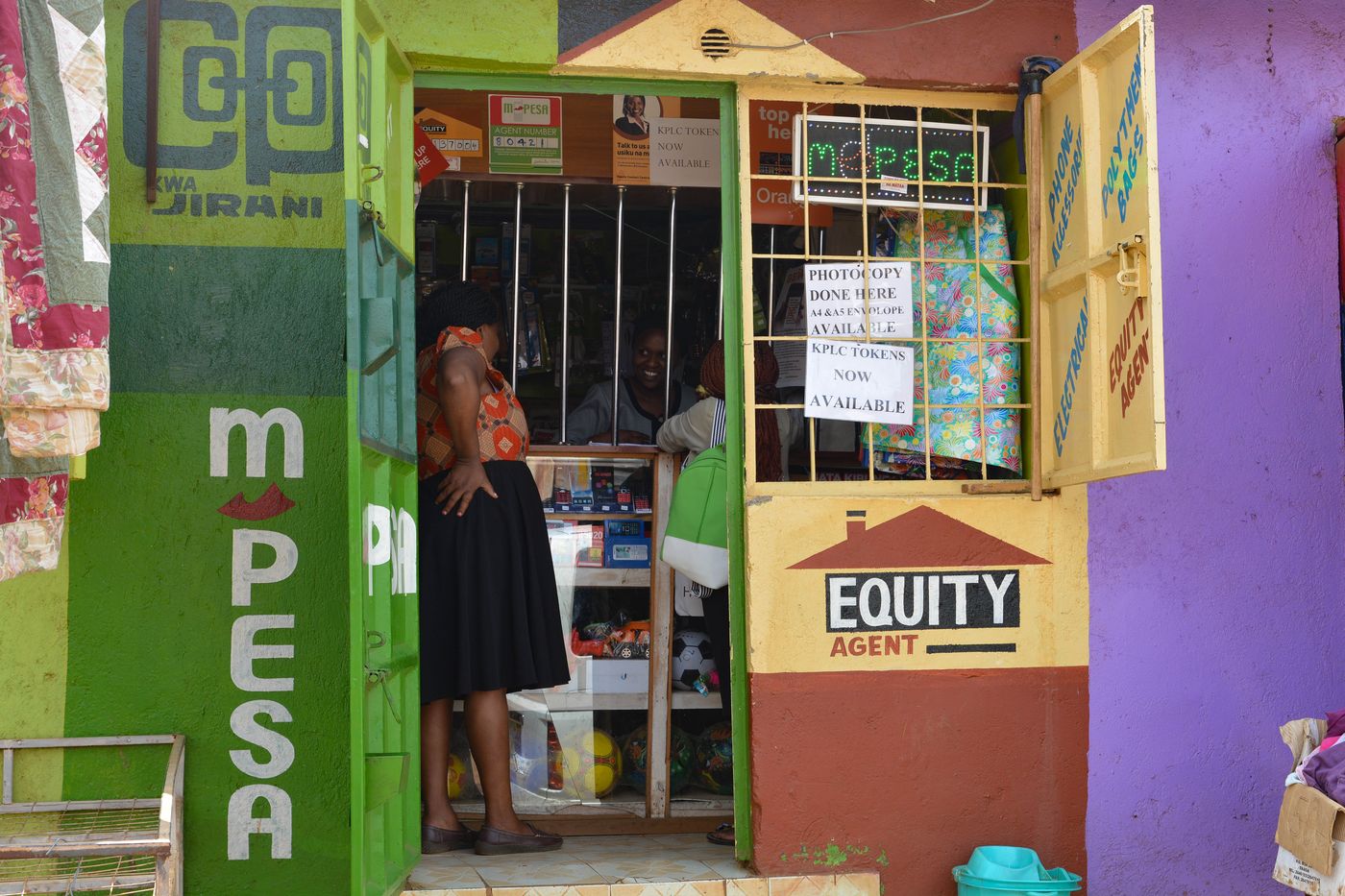
Payment details are confirmed when your connection is activated. Always keep the M-Pesa confirmation message as your receipt.
Report a problem
Have your name, location and account name ready — it helps us find your connection faster.
Support hours: 24 hours, 7 days a week — day or night, call or WhatsApp.
Try these three checks first
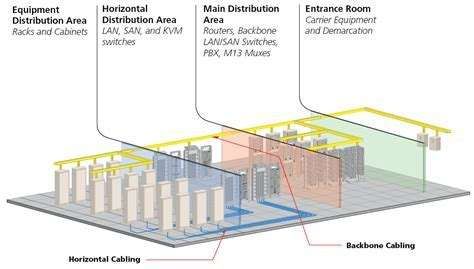
Restart the router
Switch it off, wait 30 seconds, switch it back on and give it a few minutes to reconnect.
Check the cables
Make sure the cable into the router and the power cable are firmly plugged in and undamaged.
Check for a wider outage
If neighbours on Biztech Links are also offline, there may be a network issue — check the notice bar at the top of this site.
Quick answers
How do I get connected?
Choose a plan on the Packages page, then send your request by WhatsApp, phone or the Get Connected form. We confirm coverage at your location, agree an installation time with you, and a technician sets up your connection.
How long does installation take?
Installation timing depends on your location and our technicians' schedule. Send your request and we will confirm a date with you. [TO CONFIRM: typical installation window]
Is there an installation fee, and is a router included?
Installation is free on every plan from Ksh 3,000 per month, including all business packages. On lower plans it is a one-off fee: Ksh 2,000 for Connect and Basic, Ksh 1,500 for Bronze and Ksh 1,000 for Silver. Router details are confirmed when you book. [TO CONFIRM: router supplied or purchased, any deposit]